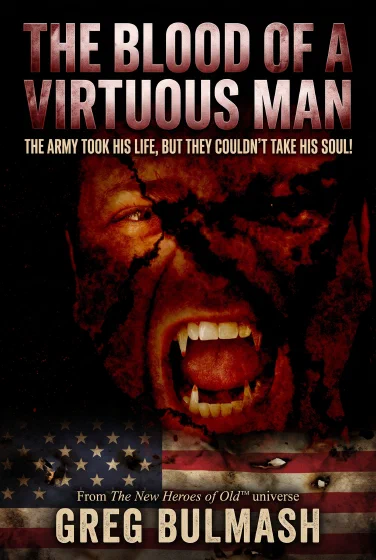
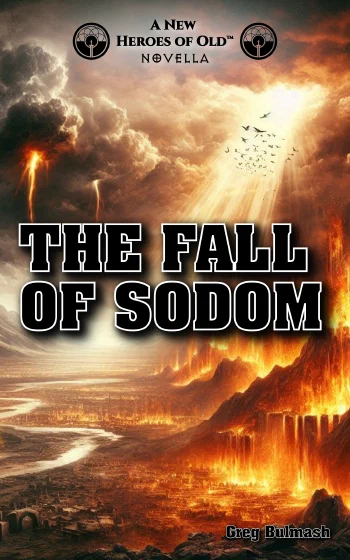
Freebies FAQ
How does the process work?
Click Get at BookFunnel on either story above and enter your email address on the BookFunnel signup page. You’ll be added to our reader mailing list and receive two emails right away:
- From BookFunnel: An immediate delivery email with your personal download link so you can grab your freebie right away (plus access to BookFunnel’s reader tech support if you ever have trouble loading it onto your device).
- From Us: A brief welcome email from The New Heroes of Old™.
After that, our mailings are deliberately infrequent—no more than four emails a month, and usually no more than two—and every email includes a one-click Unsubscribe link at the bottom.
If I sign up for more than one book, will I get double the emails?
No. Our mailing list (powered by Brevo) keys everything to your email address and automatically deduplicates subscribers. Feel free to claim both The Blood of a Virtuous Man and The Fall of Sodom using the same email address: BookFunnel will send you the download email for each book you request, while your address stays on our single newsletter list only once (and we won’t re-send the welcome email if you’re already subscribed).
What ebook formats and e-readers do you support?
BookFunnel provides every freebie as a DRM-free EPUB and PDF (plus optional reading in the BookFunnel app or browser cloud reader), so you can read on virtually any e-reader, tablet, phone, or computer:
- Amazon Kindle (Kindle E-Readers, Fire Tablets & Kindle Apps): Download the EPUB file from BookFunnel, then upload it on Amazon’s official Send to Kindle page (or email it to your Send-to-Kindle address). Amazon converts the EPUB automatically and syncs it across your Kindle library.
- Apple Books (iPhone, iPad & Mac): Download the EPUB file and tap or double-click it—your device opens and saves it directly into Apple Books. (Apple’s guide to importing EPUBs & PDFs)
- Barnes & Noble NOOK: Download the EPUB (or PDF). On NOOK apps and tablets, open the downloaded file from your Files/Downloads folder in the NOOK app; on dedicated NOOK GlowLight e-readers, connect to your computer via USB and copy the file into the
NOOK/My Filesfolder. (NOOK sideloading instructions) - Rakuten Kobo: Download the EPUB (or PDF), connect your Kobo e-reader to your computer via USB, and drag the file onto the KOBOeReader drive—it imports automatically as soon as you eject. (Kobo USB transfer guide)
If you ever run into a snag, click Need Help? at the top of your BookFunnel download page—real humans on BookFunnel’s support team will walk you through your exact device.
How do you, BookFunnel, and Brevo handle my email and data?
BookFunnel handles ebook file delivery and reader tech support, and passes your newsletter opt-in to our mailing list; Brevo hosts our subscriber list and sends our occasional reader updates. Neither vendor sells, rents, or markets third-party books to your email address, and you can unsubscribe with a single click in any newsletter or request deletion at any time. For full vendor and data-handling details, read the Freebies & Newsletter Data Collection section of our Privacy Policy.